
How to Use Transcript Maker for Custom School Records

Securing a realistic and polished school transcript can feel like a challenge whether you are showcasing achievements for personal collections or creating convincing props for a production. Authenticity plays a crucial role in honoring milestones and capturing the look of official records. By focusing on details such as accurate personal and academic information, you can create a transcript that truly reflects your educational journey or enhances artistic projects with credibility.
Table of Contents
- Step 1: Gather Required Personal And Academic Information
- Step 2: Select And Customize Transcript Templates
- Step 3: Input Accurate Course And Grade Details
- Step 4: Review And Verify Transcript Authenticity
- Step 5: Finalize And Download Your Custom Transcript
Quick Summary
| Key Point | Explanation |
|---|---|
| 1. Gather Accurate Personal Data | Compile your full legal name, date of birth, and address for authenticity. |
| 2. Collect Detailed Academic Records | Document complete course names, grades, and credits earned for verification. |
| 3. Choose Professional Templates | Select templates that reflect your educational journey while meeting formatting standards. |
| 4. Input Course and Grade Details | Carefully record each course’s name, grade, and credit to ensure accuracy. |
| 5. Verify Document Authenticity | Cross-check all details for accuracy to guarantee the credibility of your transcript. |
Step 1: Gather Required Personal and Academic Information
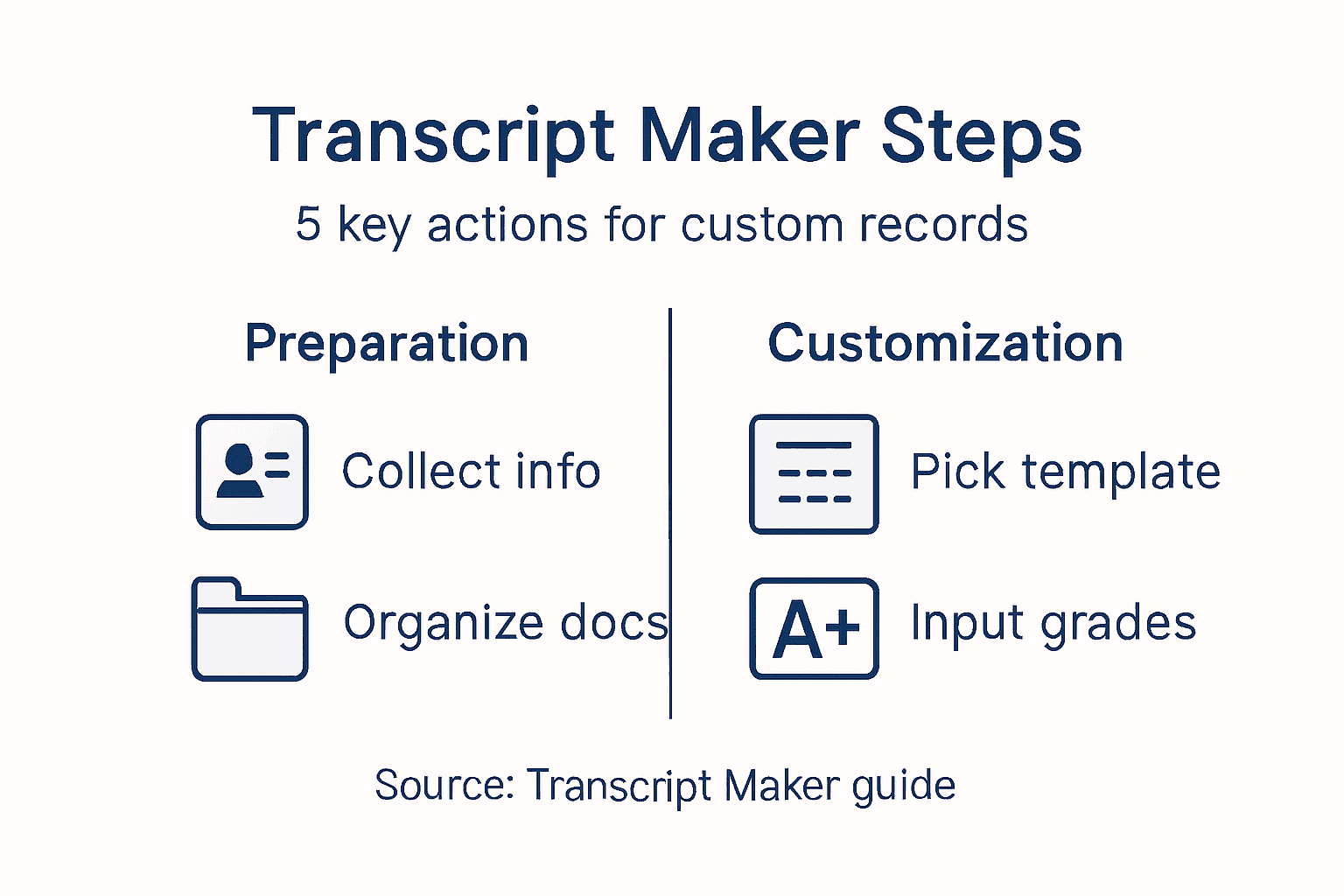
Preparing a custom transcript requires precise compilation of personal and academic details. In this initial step, you’ll collect the essential information that will bring your academic document to life.
Start by gathering your fundamental personal data, which forms the core of any authentic transcript. This includes your full legal name, date of birth, permanent address, and other identifying details. According to academic record guidelines, your transcript needs to accurately reflect your personal information.
For academic records, compile a comprehensive list of your coursework. This means tracking down:
- Complete course names
- Grades received
- Academic years of attendance
- Total credits completed
- Specific program or major details
When collecting academic information, be meticulous. High school transcript experts recommend gathering documentation from all educational institutions you’ve attended, including parent-taught courses, outside instructor classes, and official school records.
Accuracy is key: Double-check every single detail before finalizing your transcript.
Pro tip: Maintain digital and physical copies of all academic documents to streamline your transcript creation process.
Here’s a quick-reference summary of the essential information needed for a custom transcript:
| Category | Required Details | Impact on Transcript |
|---|---|---|
| Personal Data | Full name, birth date, address | Ensures accurate identification |
| Academic Records | Courses, grades, credits | Verifies academic achievements |
| Program/Major Info | Degree, concentration | Displays specialized studies |
Step 2: Select and Customize Transcript Templates
Choosing the right transcript template is crucial for creating a professional and authentic academic document. In this step, you’ll explore various template options and learn how to customize them to reflect your unique educational journey.
Start by examining homeschool transcript templates that provide a structured framework for presenting your academic achievements. These templates typically include essential sections such as:
- Personal identification details
- Course names and descriptions
- Grade tracking
- Credit accumulation
- Cumulative GPA calculation
- Special honors or achievements
Professional transcript templates follow specific formatting guidelines. State education requirements recommend using standardized electronic formats that allow for customization while maintaining core reporting standards. This means you can adapt the template to showcase your unique academic path without compromising official documentation principles.
Professional presentation matters: Choose a template that balances authenticity with official-looking design.
When customizing your template, pay attention to details like font selection, margin sizes, and overall layout. Your goal is to create a document that looks both official and personally tailored to your academic record.

Pro tip: Compare multiple template designs and choose one that provides the most comprehensive and professional representation of your academic achievements.
Compare transcript template features to choose the best fit for your needs:
| Feature | Basic Template | Professional Template |
|---|---|---|
| GPA Calculation | Not included | Automated & detailed |
| Honors/Achievements | Limited space | Dedicated section |
| Customization Options | Minimal editing | Extensive formatting |
| Official Appearance | Simple design | Standards-compliant |
Step 3: Input Accurate Course and Grade Details
Creating a credible transcript requires meticulous attention to your academic record. In this critical step, you’ll learn how to precisely document your courses, grades, and academic achievements with professional accuracy.
Academic transcript guidelines emphasize the importance of recording every course with exact details. This means capturing essential information for each course, including:
- Full course name
- Semester or year completed
- Letter grade received
- Credit hours earned
- Grading scale used
When inputting grades, follow transcript documentation standards that recommend including all courses, whether they were parent-taught, completed through external programs, or taken at traditional educational institutions. Pay special attention to consistent course titles and accurate grade representation.
Precision matters: Every grade and course detail contributes to your academic narrative.
Ensure you convert letter grades to the appropriate grade point scale, maintaining a standardized approach that makes your transcript look professional and official. Double-check each entry for spelling, dates, and numerical accuracy to prevent any potential discrepancies.
Pro tip: Create a separate worksheet to cross-reference your course details before final transcript input to catch any potential errors.
Step 4: Review and Verify Transcript Authenticity
Ensuring the credibility of your custom transcript is the final and most critical step in creating a professional academic document. In this phase, you’ll systematically validate every detail to guarantee your transcript meets the highest standards of authenticity.
Utilize academic credential verification services that specialize in confirming document integrity. These professional resources help you cross-check critical elements such as:
- Personal information accuracy
- Course title consistency
- Grade point calculations
- Institutional formatting standards
- Potential formatting discrepancies
Professional verification involves meticulous examination, similar to how medical credential experts authenticate educational documents. Scrutinize your transcript for subtle inconsistencies and potential red flags that might compromise its perceived legitimacy.
Document authenticity requires more than visual perfection - it demands precise, verifiable details.
Pay special attention to formatting nuances, typography, and institutional-specific markers that validate the transcript’s professional appearance. Each element should align perfectly with standard academic documentation practices.
Pro tip: Request an independent review from someone familiar with academic transcripts to catch details you might have overlooked.
Step 5: Finalize and Download Your Custom Transcript
You’ve meticulously crafted your transcript, and now it’s time to bring your document to its final form. This crucial stage involves reviewing, securing, and preparing your transcript for distribution.
Transcript finalization systems recommend a systematic approach to preparing your document. Before downloading, complete these final verification steps:
- Review all personal and academic details
- Check formatting consistency
- Set privacy preferences
- Select appropriate file format
- Determine sharing options
Professional transcript management follows strict electronic document protocols that ensure secure and accurate transmission. Pay special attention to file format selection, typically available in PDF or secure electronic versions that maintain document integrity.
Your transcript is more than paper - it’s a professional representation of your academic journey.
Ensure your final document looks crisp, professional, and matches the standards of official academic records. This means checking font consistency, alignment, and making certain no formatting errors remain.
Pro tip: Create a backup digital copy of your transcript before final download to protect against potential file corruption.
Create Professional Custom Transcripts Effortlessly with Hey Congrats!
If you have struggled with gathering accurate academic details and formatting a polished transcript, you are not alone. The article highlights important challenges like precise course and grade documentation, template selection, and verifying authenticity. Our Transcript Maker collection offers expertly designed templates that take the guesswork out of customization. We help you present your educational achievements in a professional format that matches official standards.

Don’t let the complexity of creating a custom transcript hold you back. With fast, reliable service and fully customizable options, Hey Congrats! provides everything you need to finalize your transcript with confidence. Explore our High School Diploma Maker | Replacement Diplomas & Transcripts and College & University Transcripts selections to find the perfect fit for your needs. Start your journey today by visiting Hey Congrats! and bring your academic story to life with ease and professionalism.
Frequently Asked Questions
How do I gather the necessary information for my custom transcript using Transcript Maker?
To create a custom transcript, start by collecting your personal and academic details, including your full legal name, date of birth, course names, grades, and total credits completed. Organize this information in a digital format to streamline input into Transcript Maker.
How can I choose and customize a transcript template in Transcript Maker?
Select a transcript template that suits your educational history and personalize it by adding your specific course details and grades. Adjust the formatting, such as font size and margins, to ensure it presents your academic achievements effectively.
What details should I accurately input into my transcript to ensure its credibility?
Input the full course names, grades received, credit hours earned, and any honors or special achievements. Double-check each entry for accuracy to maintain the integrity of your academic record, as inaccuracies can undermine the document’s authenticity.
How do I verify the authenticity of my custom transcript before finalizing it?
Review the transcript for any inconsistencies in personal information, course titles, and grade point calculations. Carefully examine formatting and details to ensure it aligns with standard academic documentation practices to uphold its credibility.
What steps should I take to finalize and download my transcript from Transcript Maker?
Before downloading, perform a final review of all personal and academic information, ensure consistent formatting, and set any privacy preferences. Once confirmed, choose a secure file format like PDF and save a backup copy for your records.


